
DJ parties
You mix. The lights follow.
Birthdays, corporate parties, theme nights: alone behind the decks, you need lighting you can run without dropping the mix. FutureLights is built for exactly that.
CH 011Music sync
Locked to the tempo of your mix.
FutureLights takes the tempo from Ableton Link in your DJ software, the MIDI clock of your mixer, or by analysing the sound. A TAP button stays within reach whenever you want to take over.
AUTO mode
The autopilot picks looks from the energy of the music, changes pages at the right time and respects what you play by hand.
Effects that follow the energy
A circle of moving heads that speeds up as the room heats up, and slows down when it takes a breath.
Pages you can read in the dark
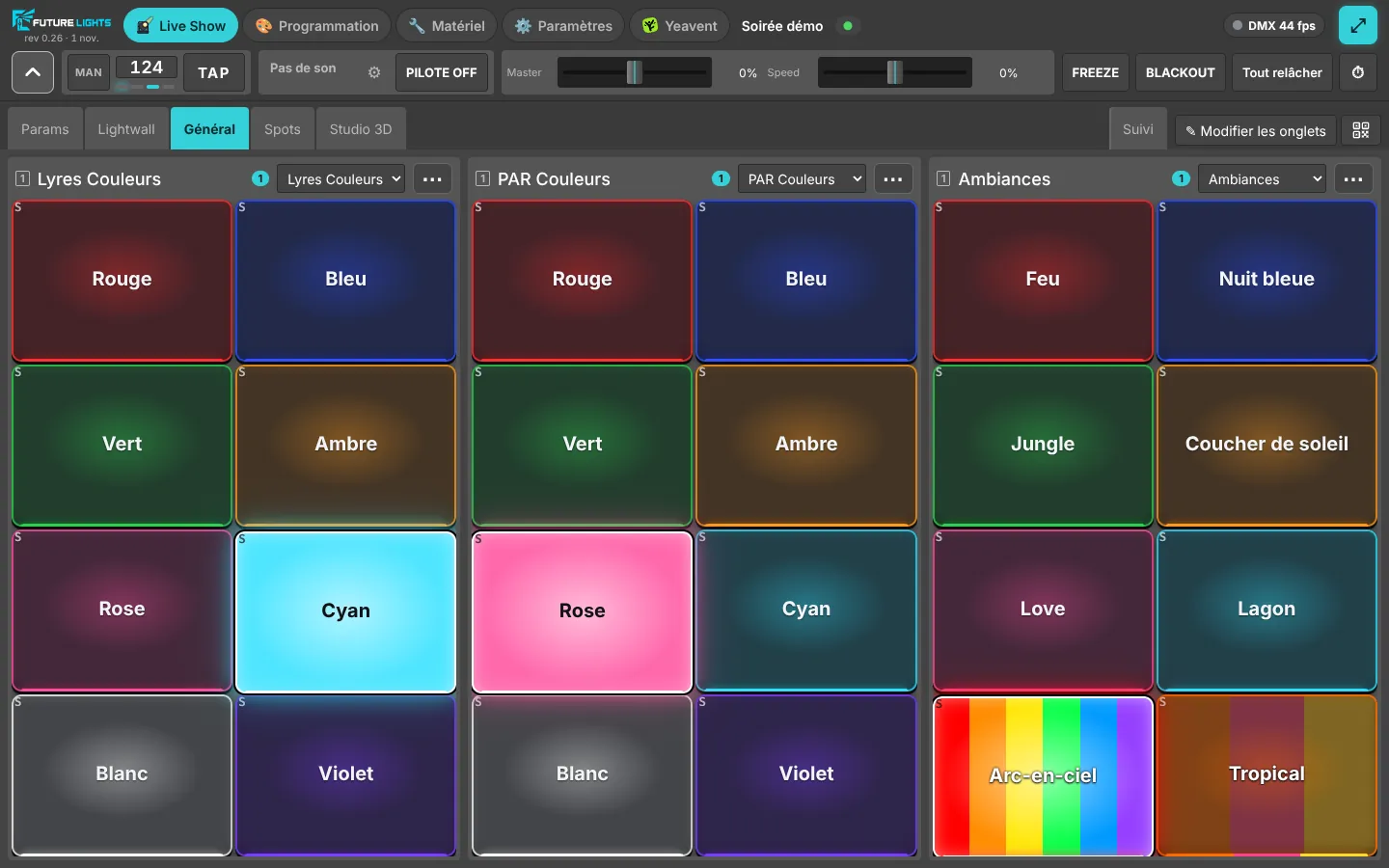
Moving heads, PARs, moods, strobe: each page groups its buttons, each button shows its colour.
CH 021Control
Your pads, your phone, your PC.
Map a MIDI controller in one move: touch a button on screen, hit a pad, done. Pads light up in the colour of the button they trigger. Or open the console on your phone with a QR code and walk out onto the floor.
Blackout and Freeze
Cut everything for a surprise, or freeze the lights during an announcement.
Protected console
An optional password: guests who find the Wi-Fi won't find your lights.
CH 031Entertainment
The quiz that lights up the room.
With Yeavent, the no-install event app, every moment of the quiz triggers its own lighting: question, suspense, reveal, scores, winner. A lock keeps control during the game so nobody breaks the mood by mistake.
Read on
Party lighting questions
Do I need specific DJ software?
No. Tempo comes from Ableton Link if your software offers it, from your mixer's MIDI clock, or from analysing the sound on one of the PC's audio inputs.
Can I play lights by hand while AUTO mode is on?
Yes: the autopilot respects what you play by hand, and you can take everything back whenever you like.
How many fixtures can I control?
A DMX universe has 512 channels, and FutureLights handles several universes at once, over USB as well as Art-Net or sACN. For a typical DJ gig, one or two universes is plenty.
CH 512
Ready for your next party?
The beta is free. Leave your email, we'll write when your spot is ready.